
For Apple silicon Macs on macOS 14 Sonoma or later
An AI twin in your notch that keeps your word
PrettiNotch sees your screen, remembers your work and writes replies in your voice. All of it privately on your Mac.

On Tuesday you told Sam you’d send the updated numbers by Friday morning.
Draft itAlready done
One Tuesday, seen from the notch
Five small moments. One promise made before lunch and kept on Friday.
-
9:12
Dictation that spells names the way your screen does.
Dictate a message and PrettiNotch reads the names off your screen, so Priyanka stays Priyanka and Joaquín keeps his accent.
Dictating in Mail“Send the launch deck to Priyanka Raghavan and copy Joaquín Ortiz.”
-
11:30
A reply that sounds like you wrote it.
Field Assist sees the thread you’re in and drafts the answer in your voice. When you promise something, it writes that down too.
Reply to Sam in SlackHey Sam, Thursday works for me. I’ll send the updated numbers by Friday morning.
Promise noted: numbers to Sam by Friday
InsertEdit
-
14:00
Meeting notes, with your part marked.
It takes notes while you talk, and pulls out what you said you’d do.
Notes from the launch sync- Launch moves to 18 November
- Joaquín owns the press list
- You: pricing draft to Sam by Friday
-
16:45
It remembers your day so you don’t have to.
Ask about anything you worked on and get the answer, with where it came from.
You askedWhere did we land on the launch date?
18 November. You decided it in the 14:00 launch sync. Joaquín owns the press list.
-
Fri 10:00
On Friday, the reminder arrives with the draft ready.
Before the deadline, the notch brings back what you told Sam on Tuesday. One click and it’s sent.
Friday, 10:00On Tuesday you told Sam you’d send the updated numbers by Friday morning.
Draft itAlready done
Sent to Sam at 10:04. Promise kept.
What it learns about you stays on your Mac
A twin knows a lot: who you write to, what you said in a meeting, how you sign off. PrettiNotch keeps all of it privately on your Mac.
- Memory of your work
- On your Mac
- Meeting notes
- On your Mac
- The way you write
- On your Mac
- Promises you made
- On your Mac
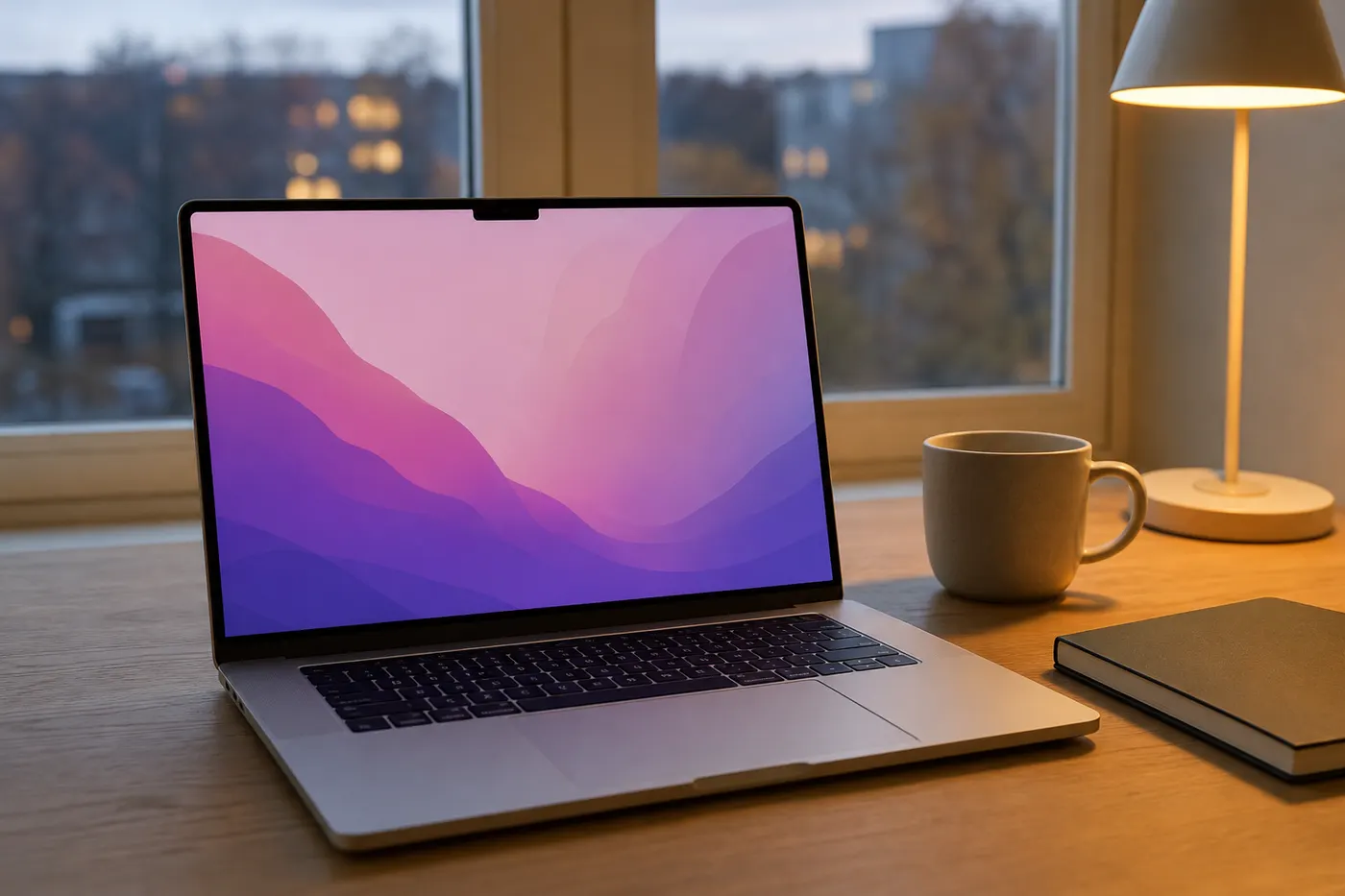
Made for the Mac on your desk
macOS 14
Sonoma or later
Apple silicon
M-series Macs
Questions
What does PrettiNotch need to run?
A Mac with Apple silicon on macOS 14 Sonoma or later.
Where does my information go?
PrettiNotch works privately on your Mac. What it remembers about your work, your notes and your promises are kept there.
What does “screen-aware” mean?
It can see what you see. That’s how it spells names right when you dictate, and how a reply fits the thread you’re looking at.
Does it send things for me?
It drafts in your voice and reminds you of what you promised. You choose when a draft goes out.
What happens after I join the waitlist?
You’ll get an email from the PrettiNotch team when your spot opens.
Save your spot in the notch
Join the waitlist and we’ll email you when PrettiNotch is ready for your Mac.
Made by Prettiflow. Amit Dey, founder and CEO.